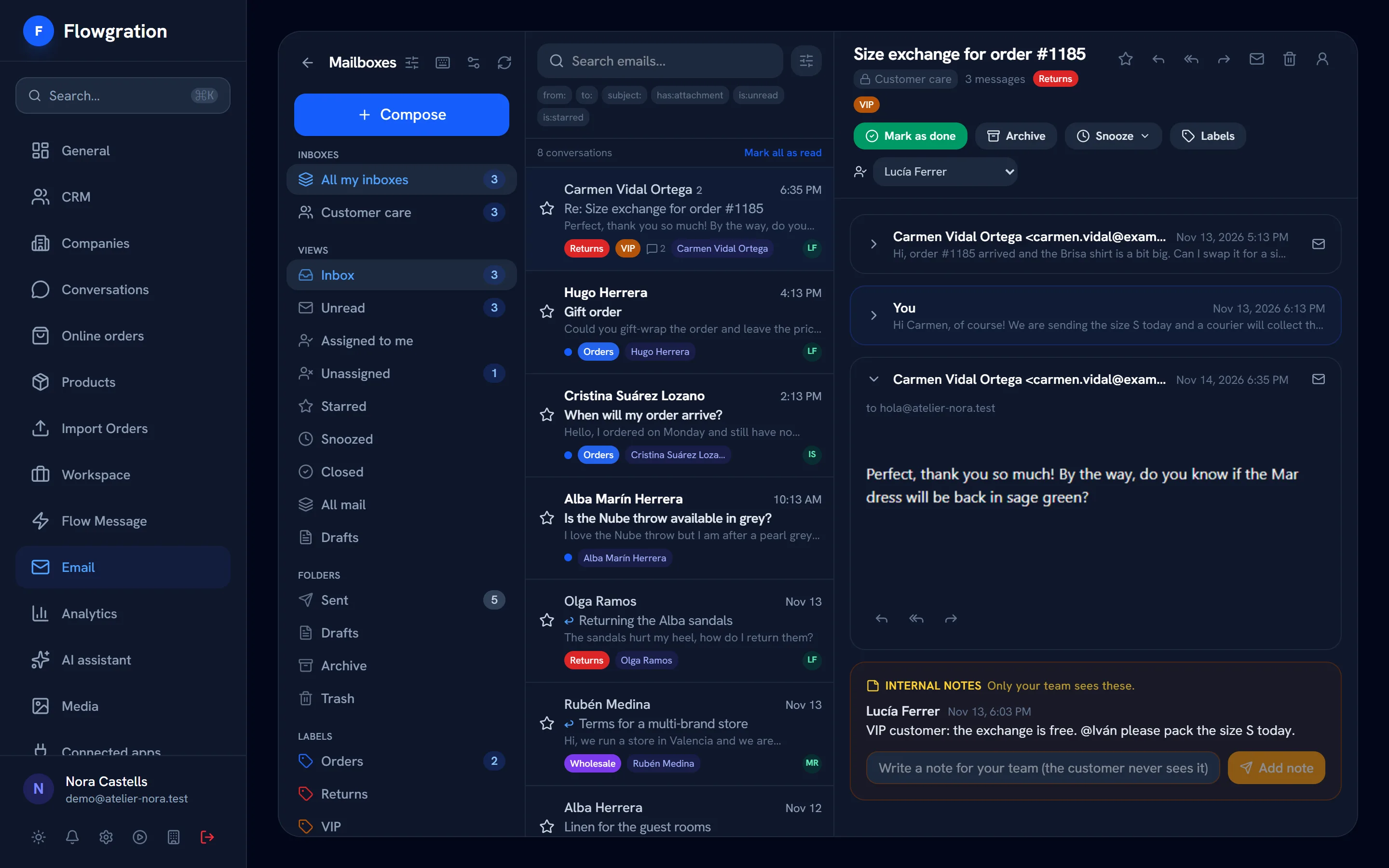
Shared inbox

Your team's email, shared out and with the customer alongside

Connect shared mailboxes such as info@ or support@ and each person's own mailbox. Assign every conversation, leave notes the customer never sees and reply with their deals, orders and past conversations in view.

No credit card · One mailbox included in the free plan
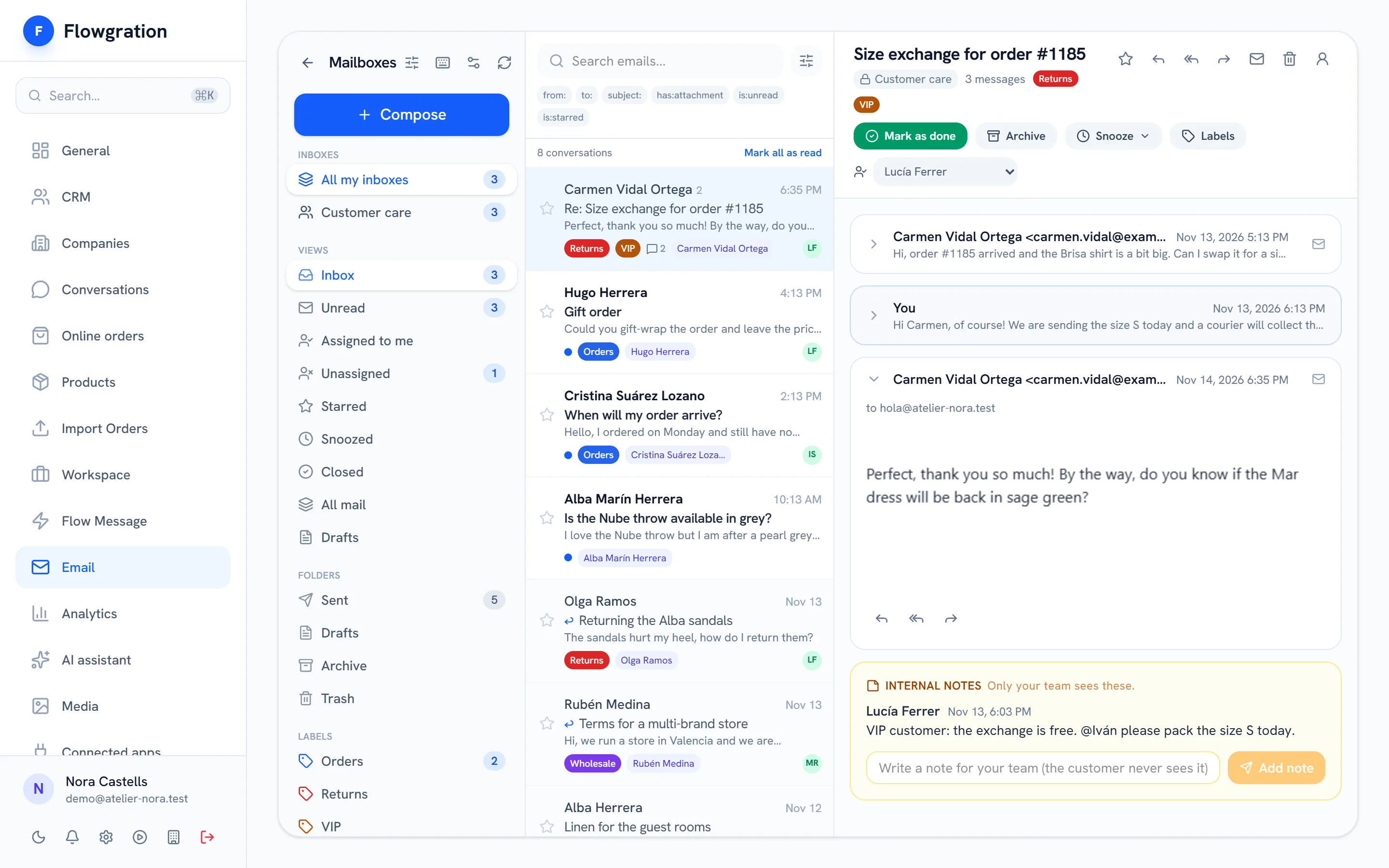
Shared inbox with an open customer conversation, assignee, labels and an internal note

Sample data

Every conversation belongs to a customer

The email arrives in the inbox, is linked to the contact by their address and lands on their record, next to their deals, their orders and the rest of their activity.

How it all connects

  1. 01
    Link page
    Your bio link, with your buttons, your socials and a QR code
  2. 02
    Form or booking
    The customer leaves their details or picks a slot
  3. 03
    Contact + deal
    Created or filled in on their own in the CRM
  4. 04
    Journey
    Welcome, confirmation or reminder, hands-free
  5. 05
    Campaign report
    See which campaign brought each contact and each sale
Mailboxes

Gmail or any IMAP mailbox, shared or personal

Connect Gmail or Google Workspace with your Google account, or any mailbox over IMAP and SMTP. Outlook and Microsoft 365 are coming soon.

  • Shared team mailboxes such as info@ or support@
  • Personal mailboxes only their owner reads, unless they share them
  • Each person's signature when composing and replying
  • One mailbox on the free plan and as many as you need on paid plans
Connect a mailbox
  • Gmail / Google Workspace
    With your Google account
    Connect
  • IMAP / SMTP mailbox
    Any email provider
    Connect
  • Outlook / Microsoft 365
    Coming soon
    Coming soon
Teamwork

Every conversation has an owner

Assign conversations, mark them done, snooze or archive them, and work from views such as "Assigned to me" or "Unassigned" so no email goes unanswered.

  • An owner per conversation and the "Assigned to me" and "Unassigned" views
  • Internal notes the customer never sees
  • Labels, starred, snoozed and closed
  • Saved views and bulk actions
Inbox views
  • Inbox
  • Assigned to me
  • Unassigned
  • Snoozed
  • Closed
On the record

The customer's history, without searching for it

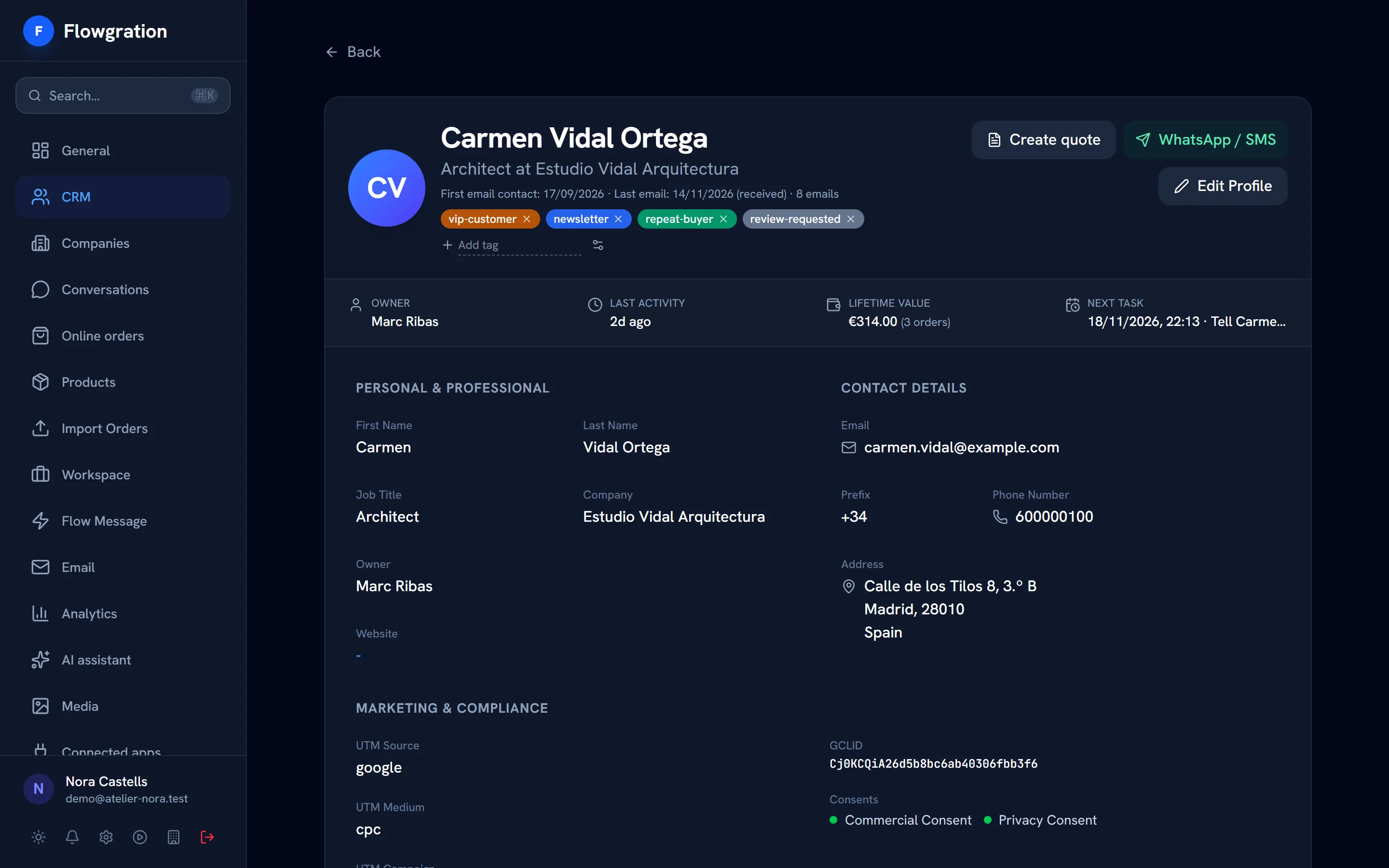
The inbox recognizes the contact by their email and shows their deals, orders, invoices and past conversations. From there you create the contact, a task or a deal.
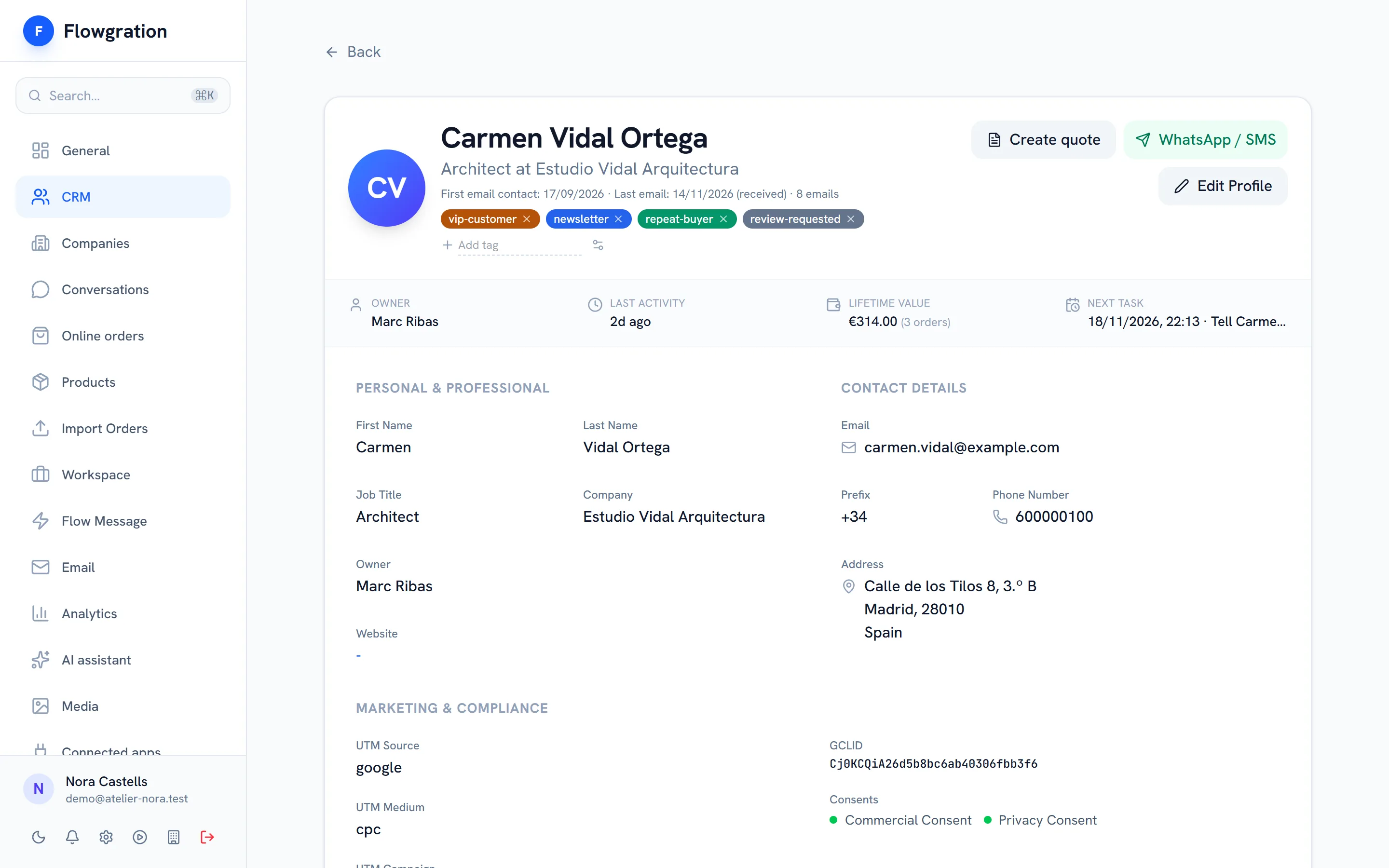
  • Sent and received emails on the contact's timeline
  • Contact, task or deal created from the conversation
  • Email templates to reply faster
  • AI drafting from the reply window (from the Growth plan)
Contact profile in Flowgration with tags, owner, lead score, orders value and the next task

Sample data

The inbox

What a team that answers by email needs

No forwarding emails between colleagues and no copying conversations into the CRM.

Assignment

Each conversation with its owner, and views for your own work and for what is unassigned.

Internal notes

Team comments inside the conversation that the customer never sees.

Statuses

Mark as done, snooze for later or archive, and bring back closed conversations when you need them.

Labels and search

Labels by topic and search with filters for sender, recipient, subject, attachments or unread.

Signatures and templates

One signature per person and email templates for the usual replies.

Personal mailbox privacy

Personal mailboxes are read only by their owner; if you cannot read a mailbox, the record does not show the content of its emails.

Shared inbox frequently asked questions

Which mailboxes can I connect?
Gmail and Google Workspace with your Google account, and any mailbox over IMAP and SMTP. Outlook and Microsoft 365 are coming soon.
Can I share a mailbox with my team?
Yes. A shared mailbox, such as info@ or support@, is visible to the team; each conversation can have an owner, internal notes and labels, and the "Assigned to me" and "Unassigned" views share out the work.
Do the emails show up on the customer record?
Yes. The inbox links each conversation to the contact by their email address, and sent and received emails appear on the timeline of their record.
Is the shared inbox on the free plan?
Yes. The free plan includes one mailbox and paid plans as many as you need. WhatsApp and SMS conversations have their own page, Conversations, from the Growth plan.

Answer better from today

Connect your mailbox in minutes and see every conversation next to its customer.

Start free