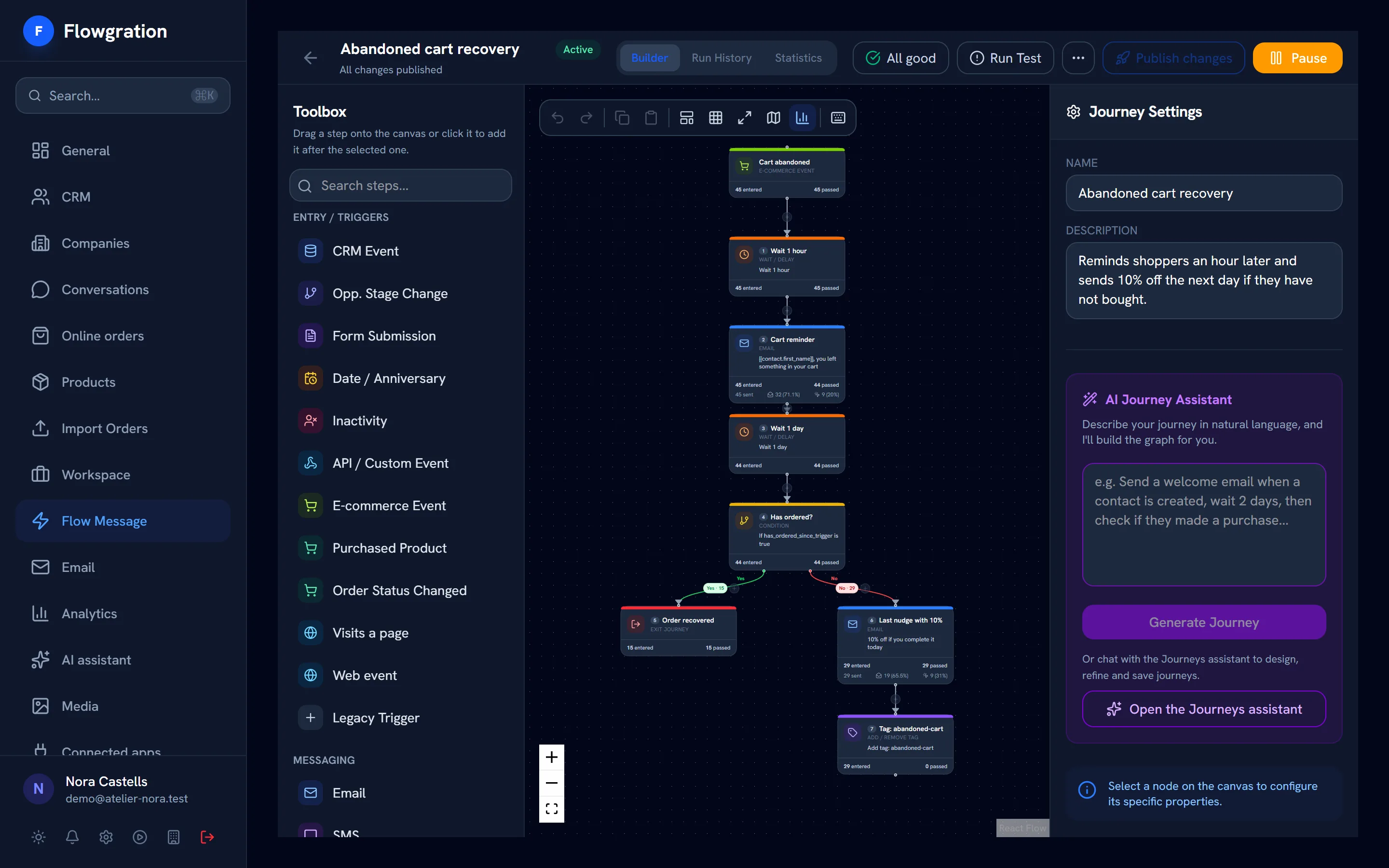
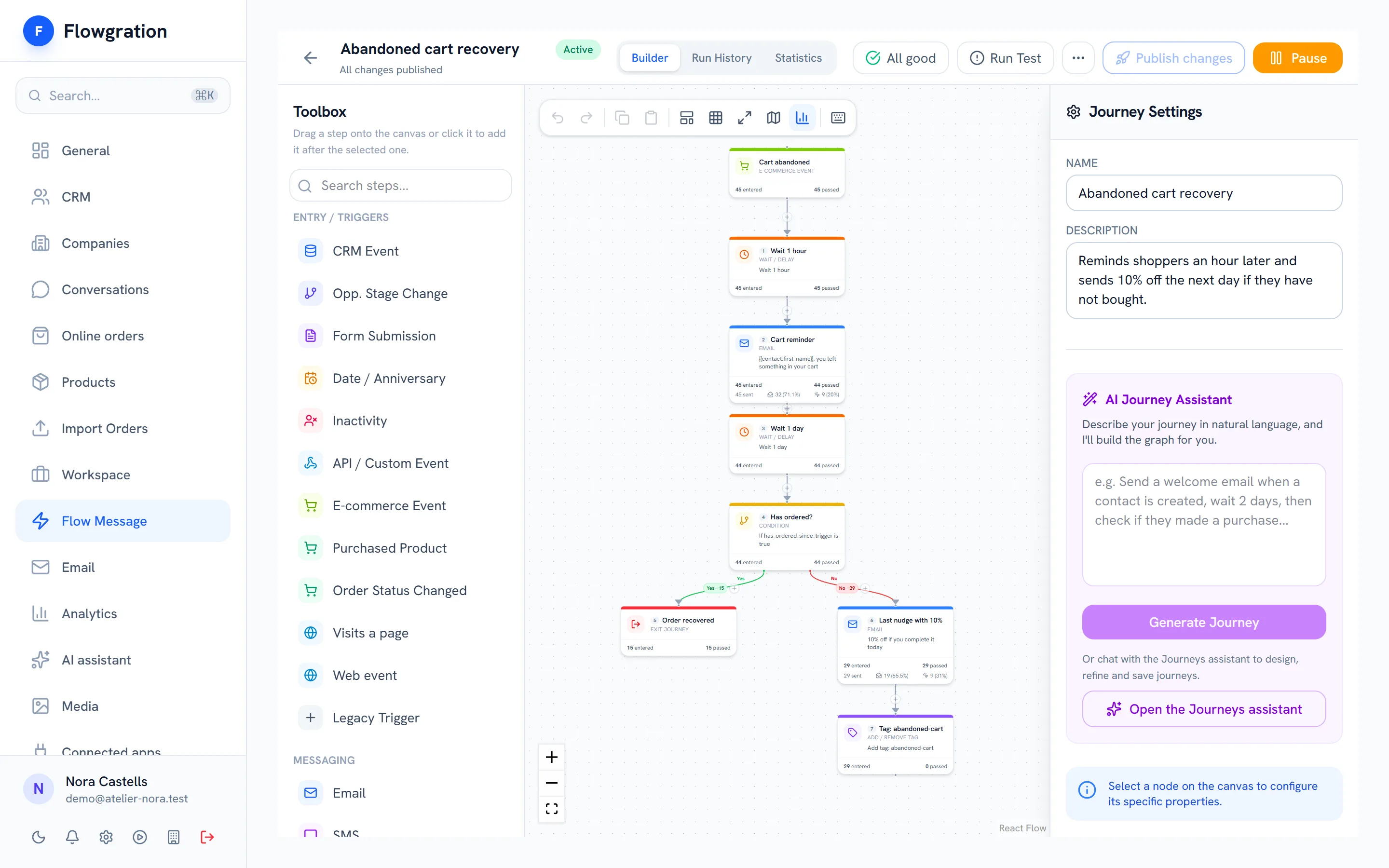
Block editor
Drag in a header, text, image, button, columns, products, social links and footer, with desktop and mobile preview, or write HTML.
Design the email with blocks, pick a segment from the CRM and send it now or schedule it. Opens, clicks and unsubscribes come back to each contact's record, ready for your journeys and your reports.
No credit card · You send from your own domain and your own email account
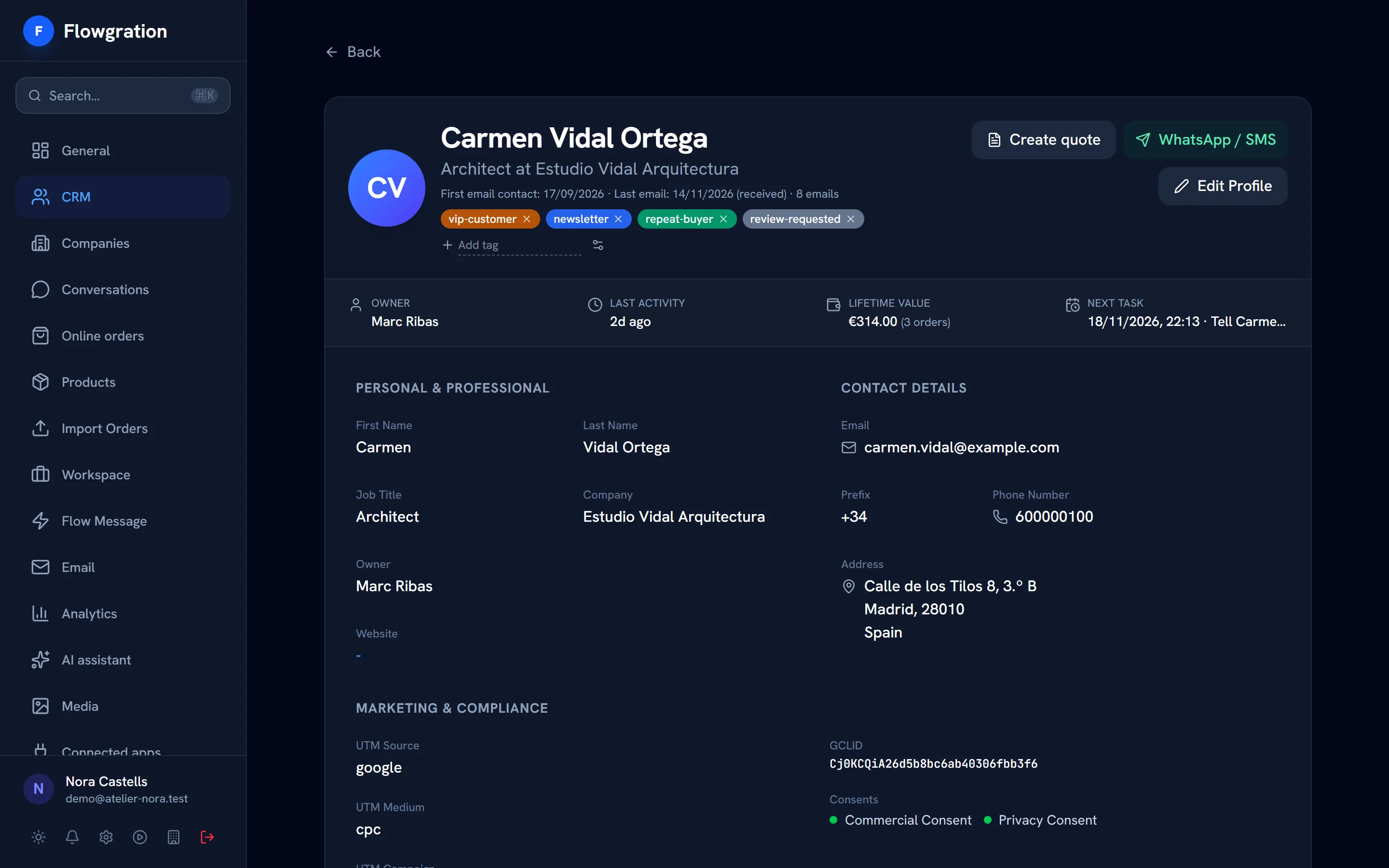
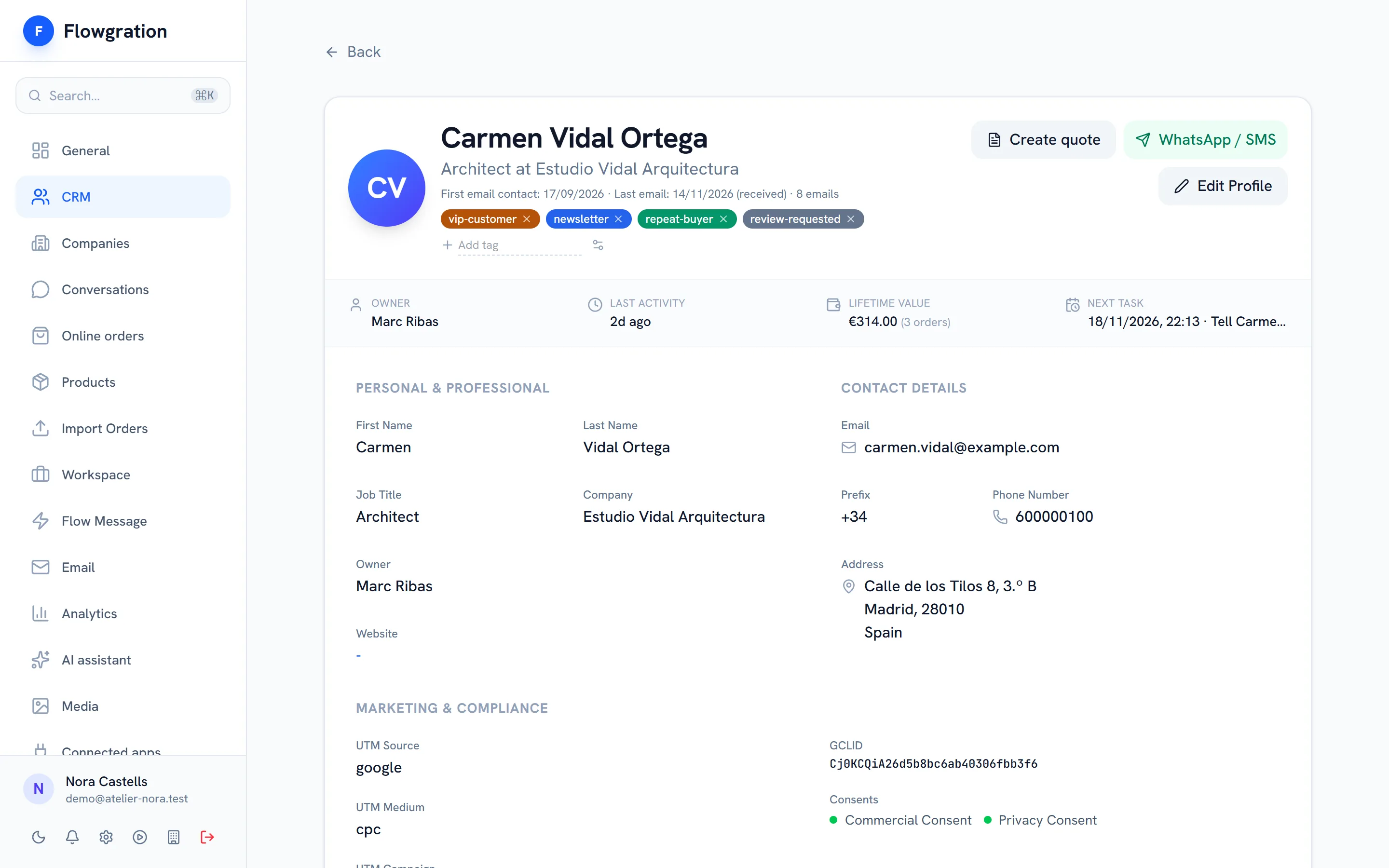
You choose who to write to with CRM segments, and every open, click or unsubscribe lands on the contact for your journeys and your campaign reports.
How it all connects
Each mass send shows its opens and the clicks on every link, and each journey shows its sends, opens and clicks step by step, so you know which message works.
Sample data
Test two subject lines or two versions of the content on part of the audience and, after the time you choose, the winning version goes to the rest.
Every marketing email carries its unsubscribe link and the one-click unsubscribe header. Whoever unsubscribes or bounces stops receiving sends, and every consent is logged on their record.
Sample data
From the first draft to the report, without exporting lists to another tool.
Drag in a header, text, image, button, columns, products, social links and footer, with desktop and mobile preview, or write HTML.
Starter templates such as welcome, newsletter or abandoned cart, plus your own templates and saved blocks.
Contact fields, including your custom fields, inside the email.
Send now or pick a date, time and time zone (from the Essential plan).
We check the SPF, DKIM and DMARC records of your sender domain and tell you which record to add or fix.
You send through your own SMTP server, your Gmail account or your sending provider, connected to Flowgration.
Create the email, pick the segment and see what happens on each customer's record.
Start free