Intake questions
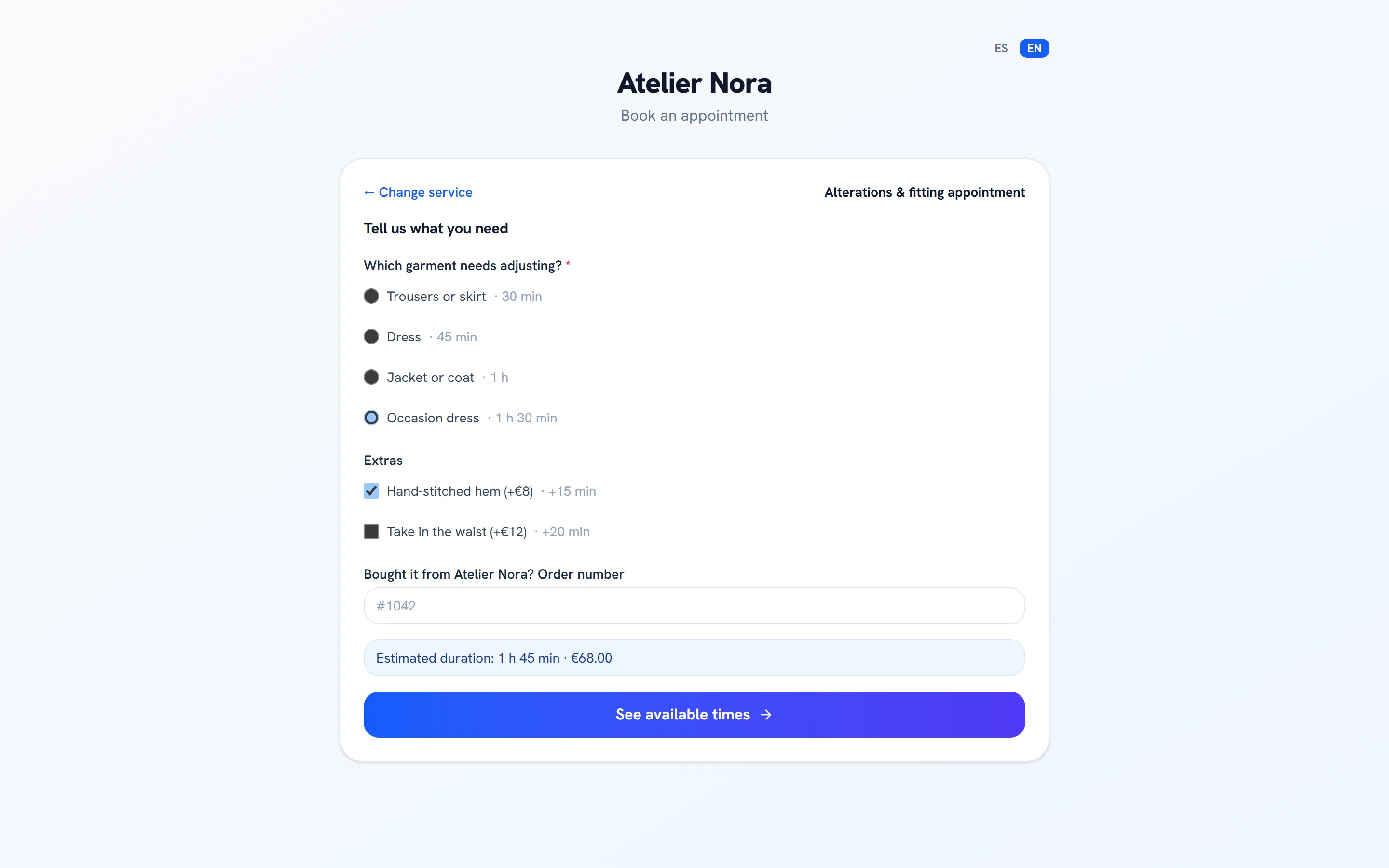
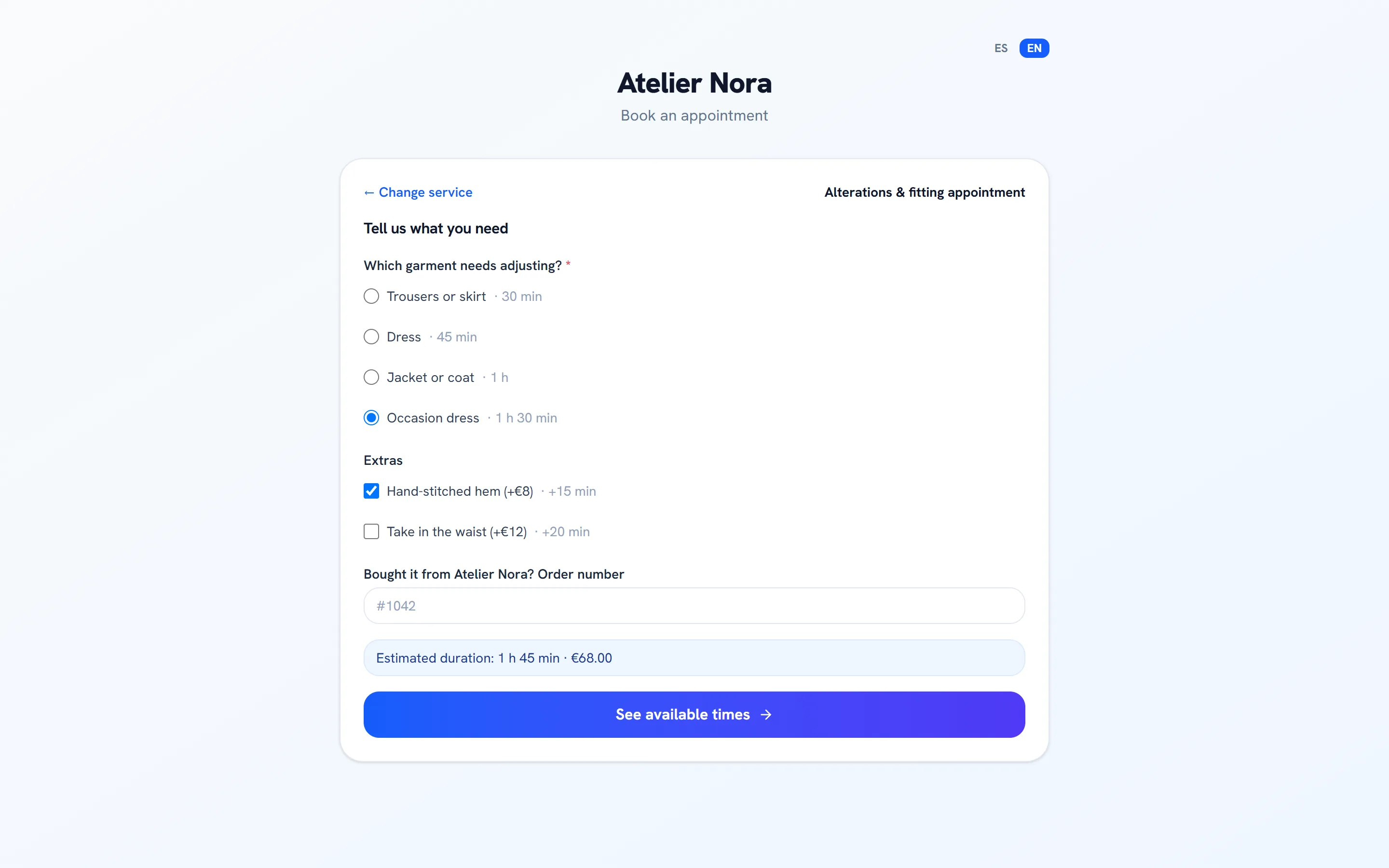
Ask what you need to know before the appointment. Answers can add time and price, and the customer sees the estimated duration and total before picking a time.
Publish your booking page with your services. Intake questions adjust the duration and the price, you can ask for a deposit, and every appointment creates the contact and the deal in your CRM and starts its journey.
Bookings from the Essential plan · Try any paid plan free for 14 days
Sample data
The appointment lands in the CRM as a contact and a deal, the journey confirms it and sends the reminder, and the campaign report tells you where it came from.
How it all connects
Choose per service whether a booking is confirmed instantly, reviewed by you, confirmed when the deposit is paid, or confirmed by a journey or by the customer with the “Confirm booking” button in the email.
Sample data
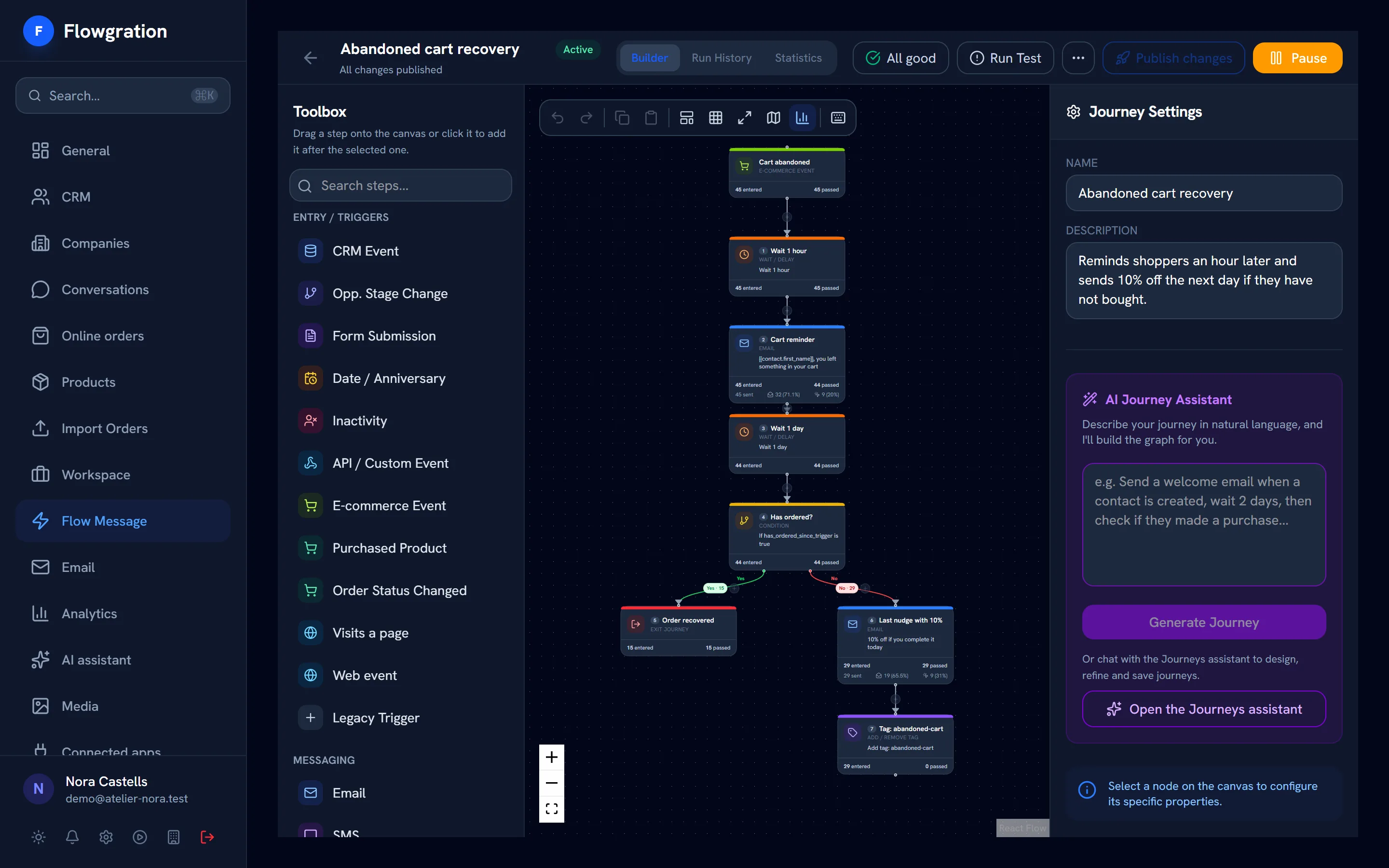
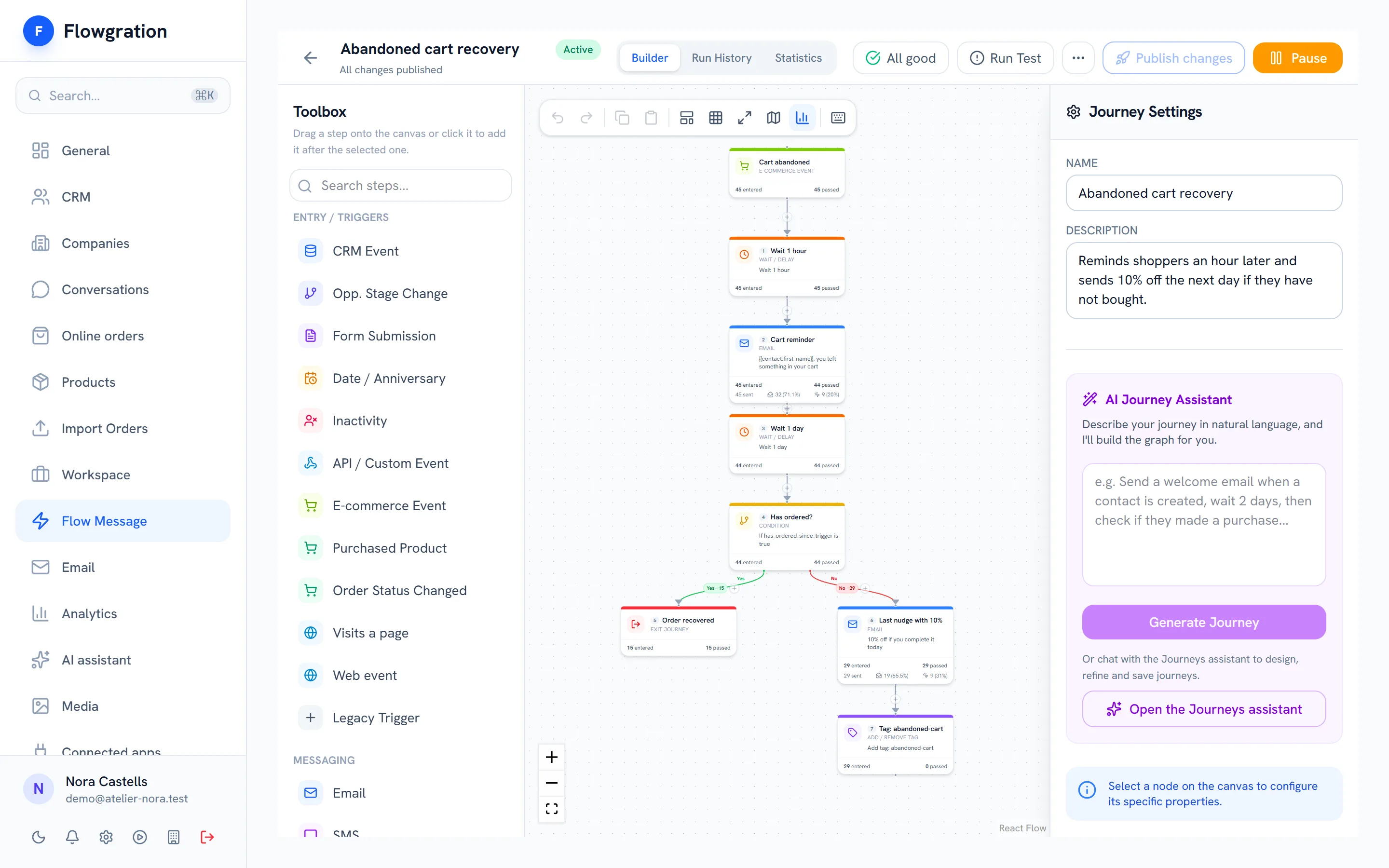
Start journeys when a booking is created, confirmed, rescheduled or cancelled, when the appointment is coming up or when someone leaves a booking half-way. Branch on the booking status and follow up by email, SMS or WhatsApp.
Sample data
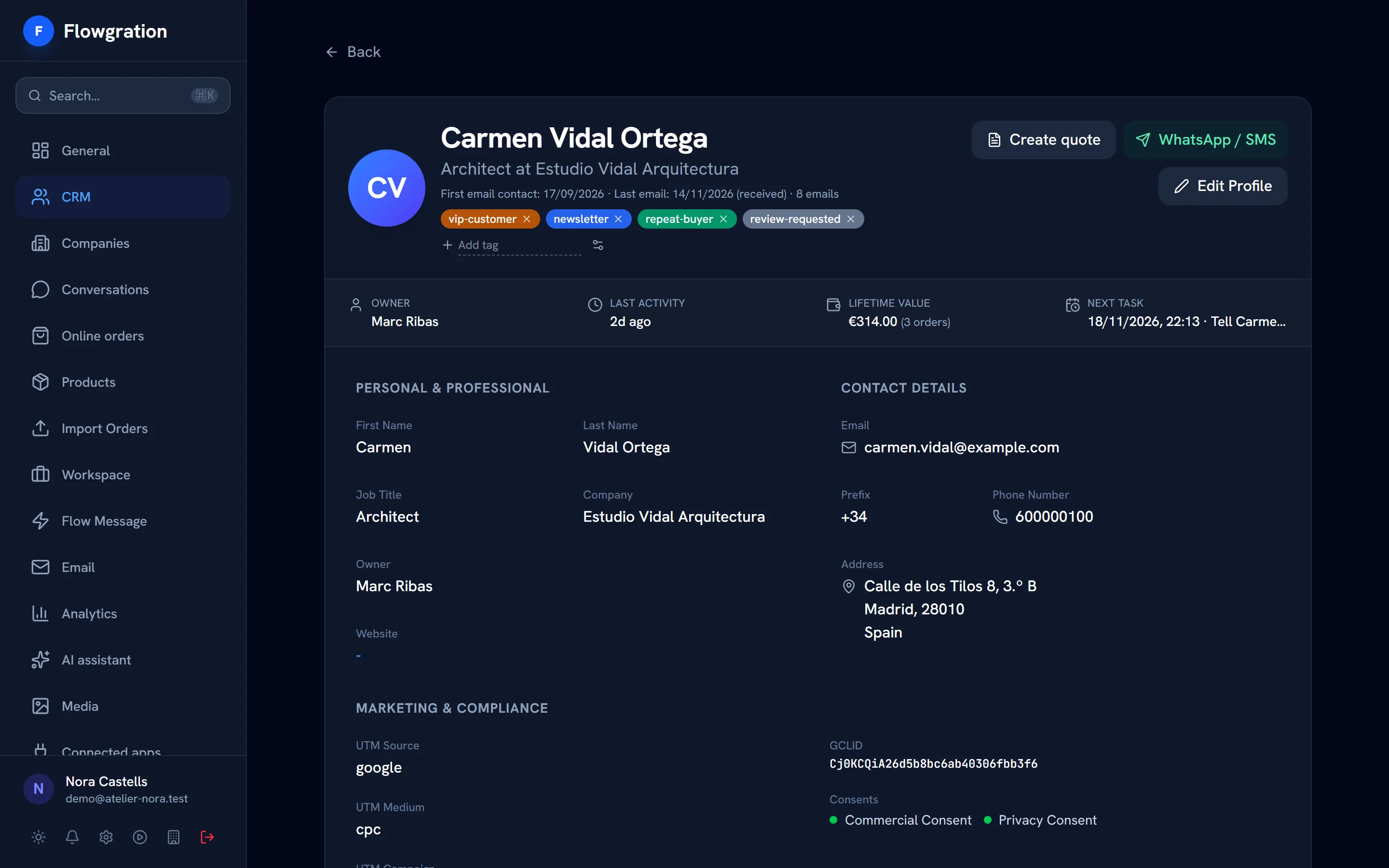
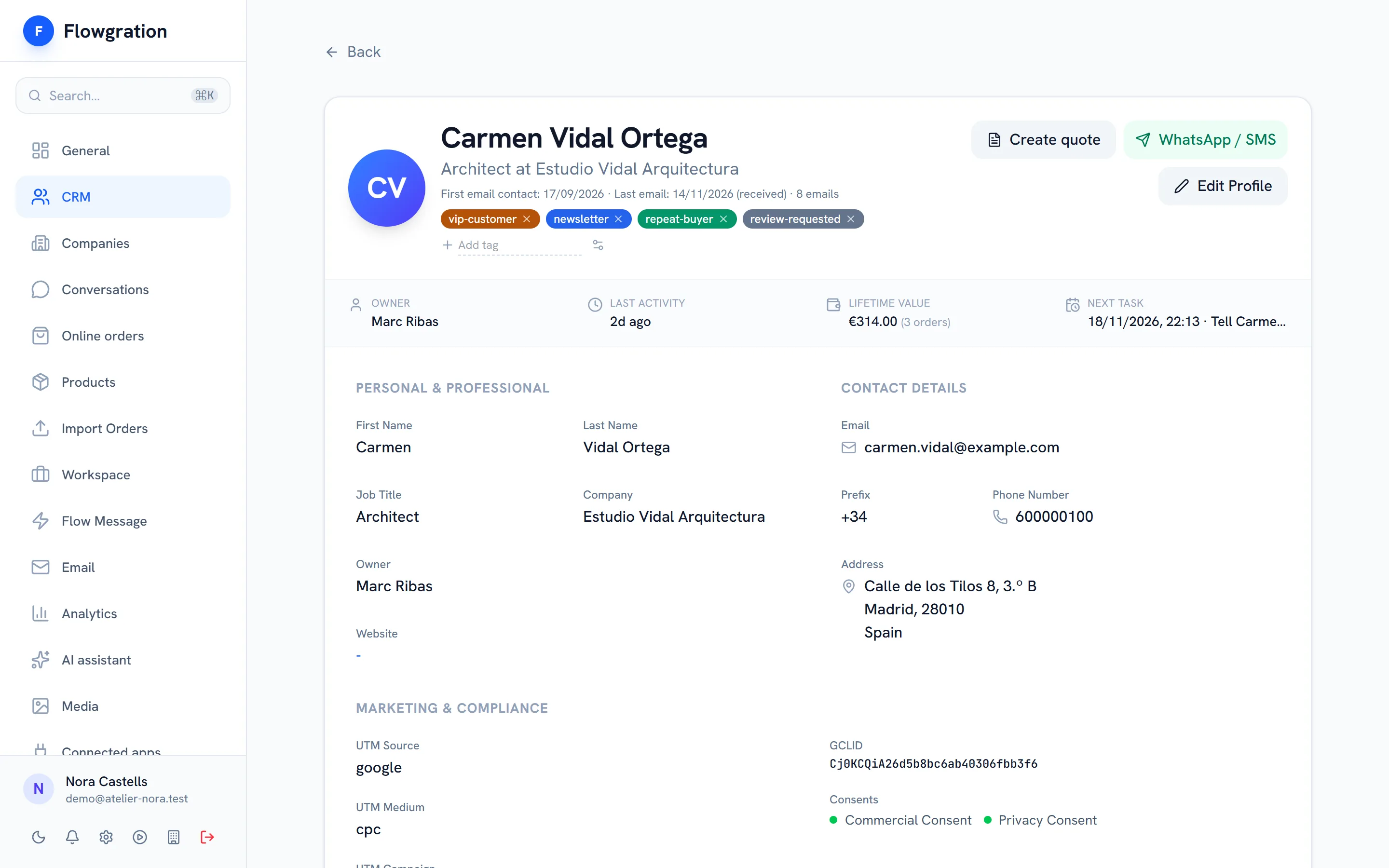
The booking creates the contact and its deal, keeps the answers to the intake questions and is linked to the service's campaign. You see the customer's history before the appointment.
Sample data
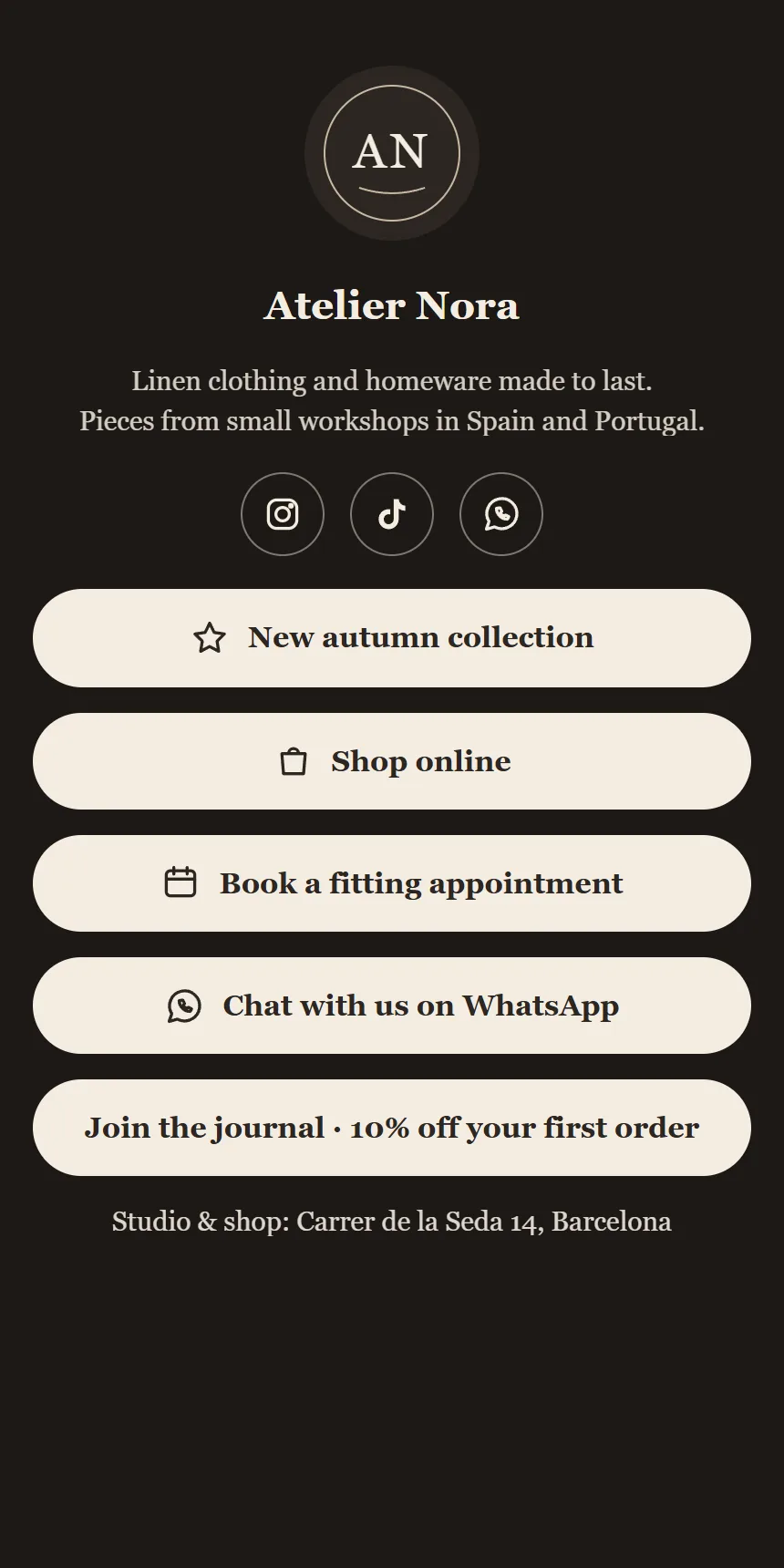
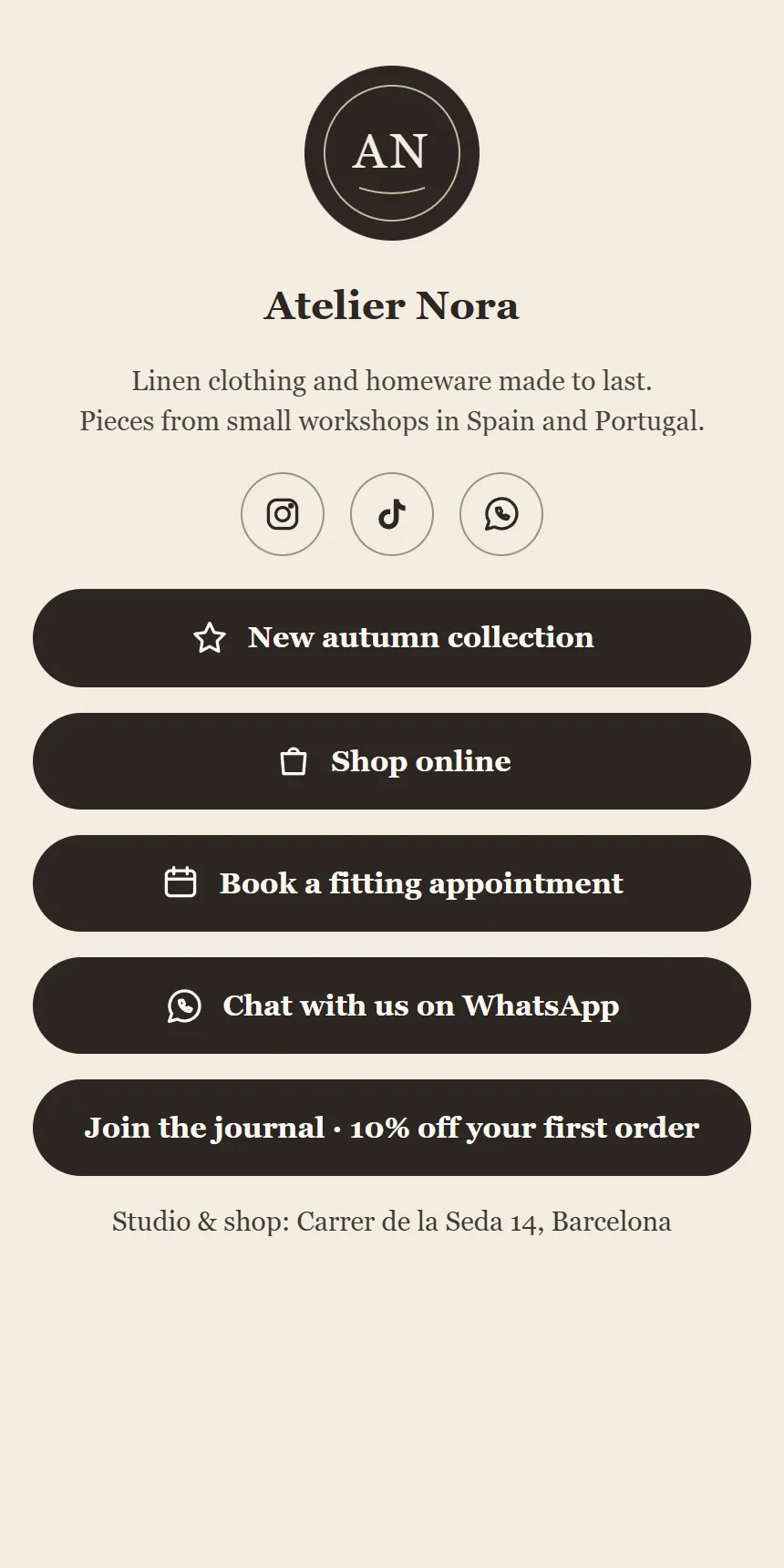
A clean page with your services, in English or Spanish, shared with a link or from your link-in-bio page.
Ask what you need to know before the appointment. Answers can add time and price, and the customer sees the estimated duration and total before picking a time.
Ask for a deposit that is paid into your own Stripe account.
Only free times are offered, based on your availability and the length of each appointment.
After booking, the customer gets a link to confirm or cancel the appointment.
Publish your services, connect your link page and let confirmations and reminders run on their own.
Start free