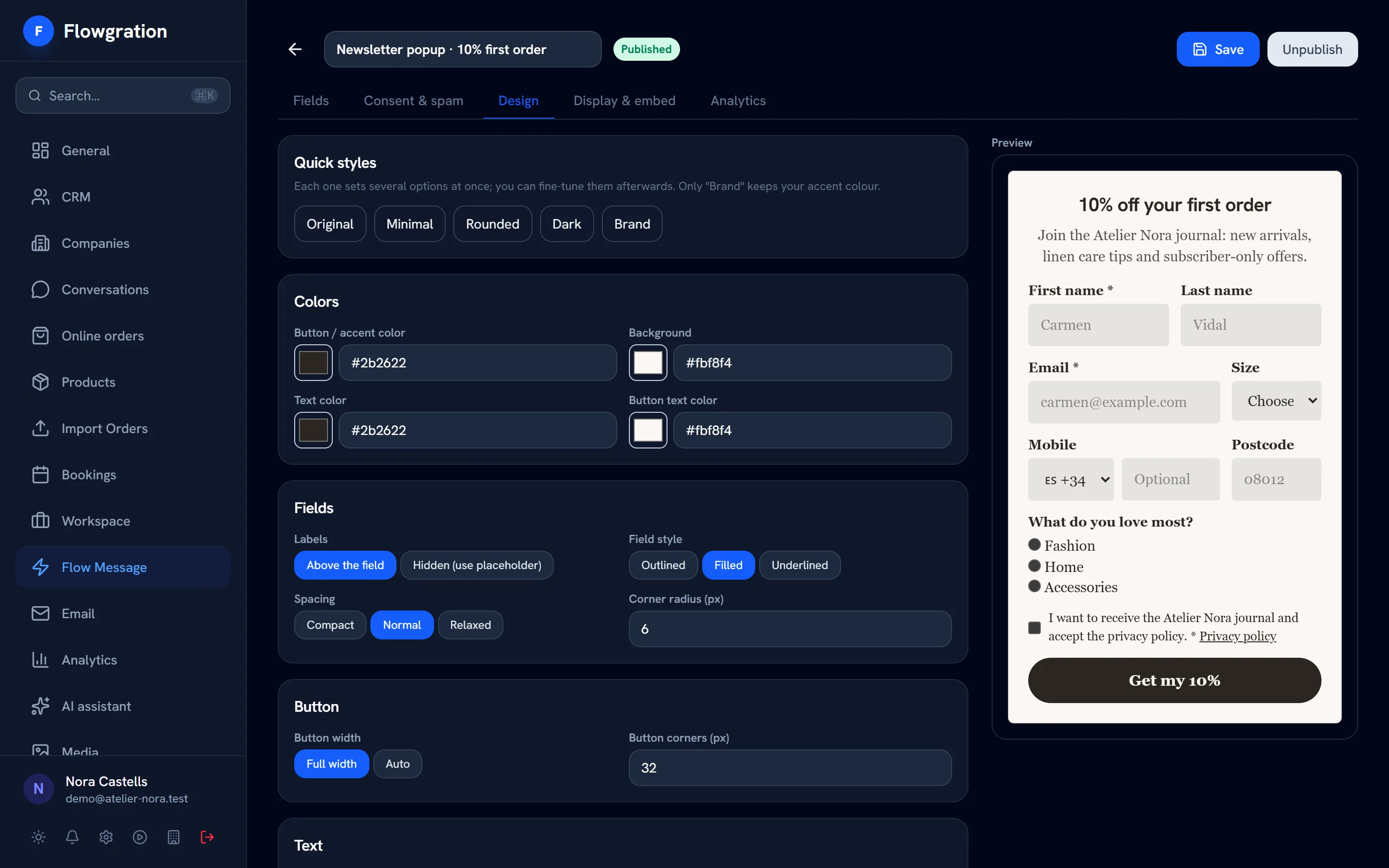
Field widths
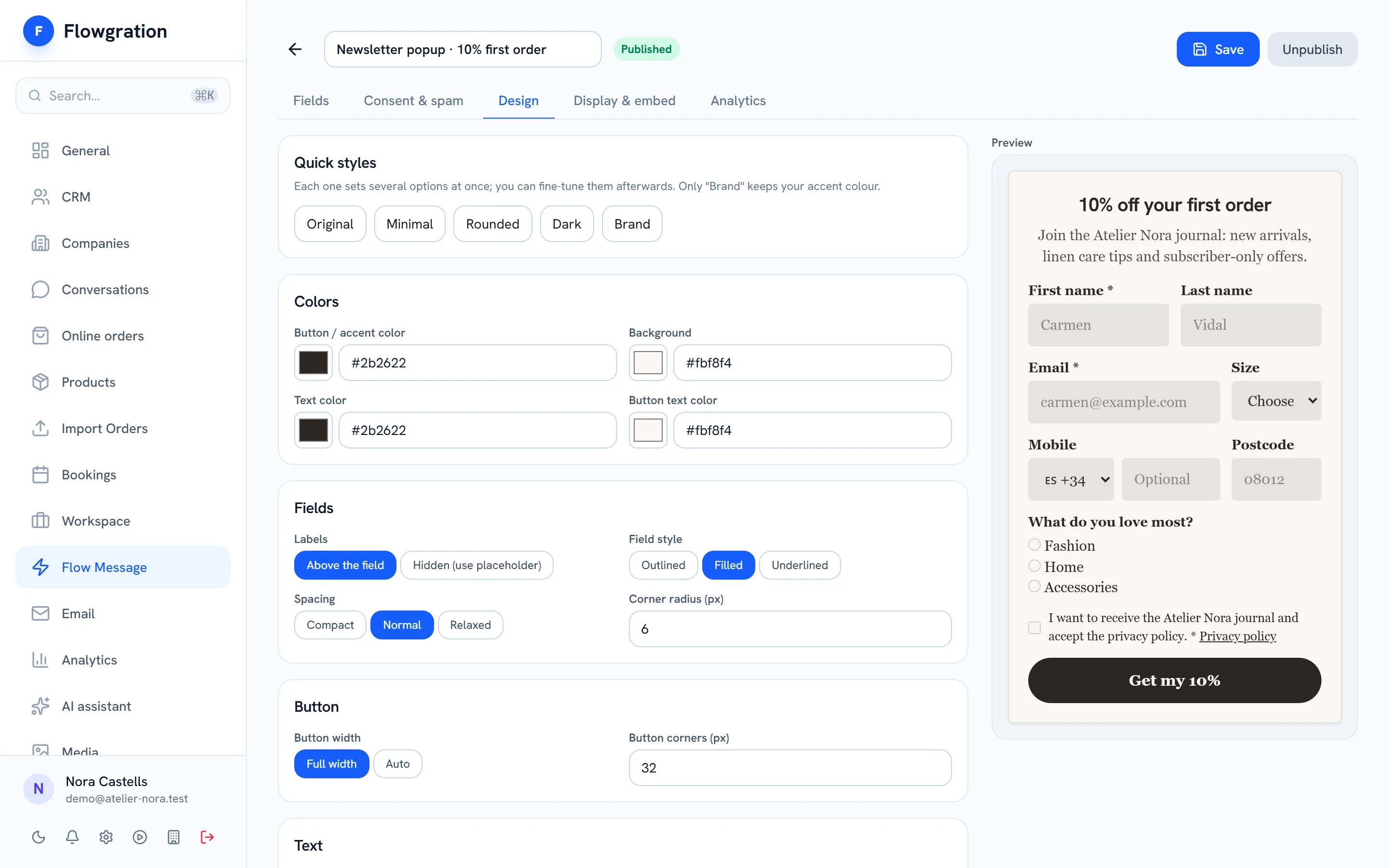
Fields at full, half, one-third or two-thirds width, so first and last name or email and postcode share a row.
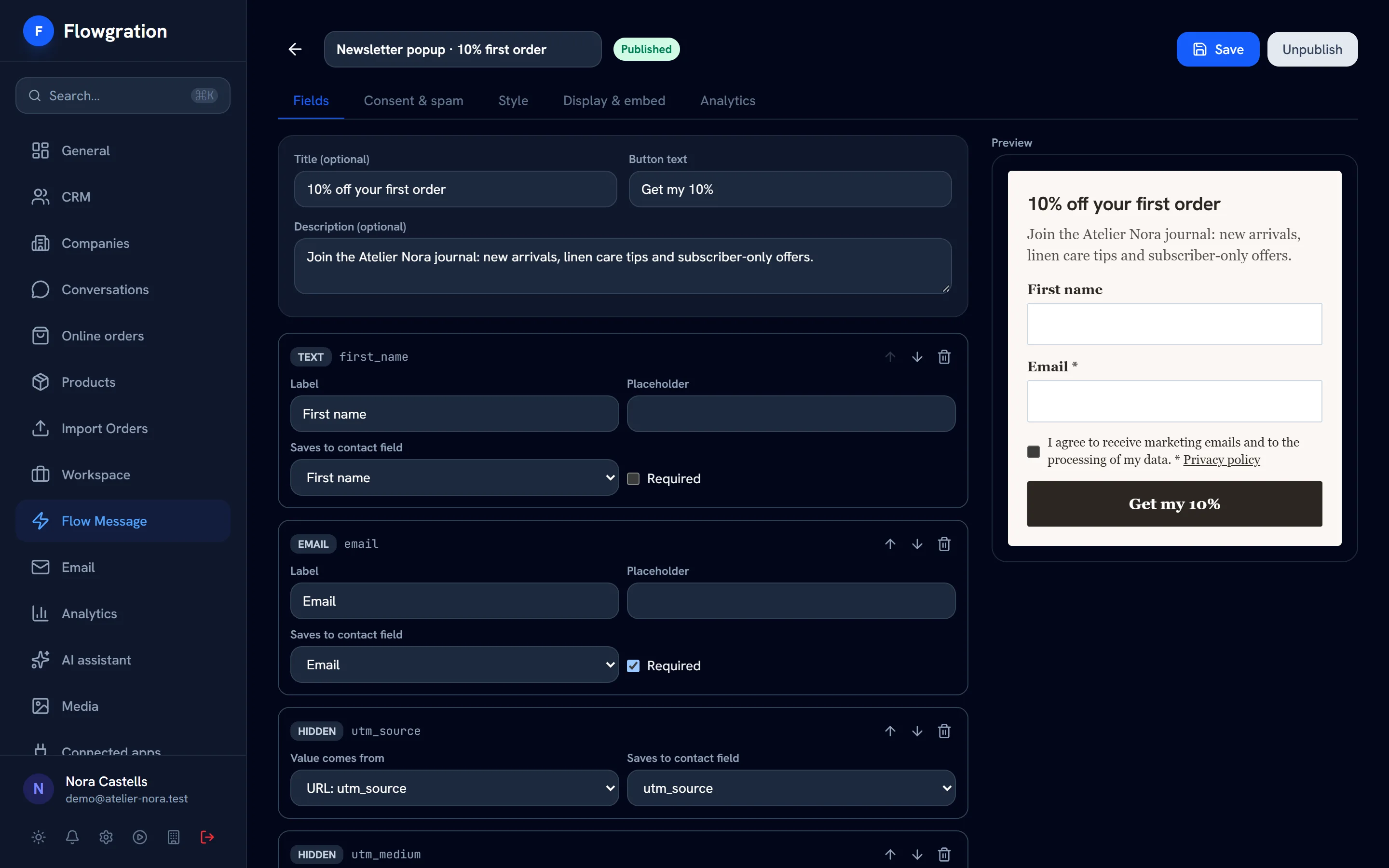
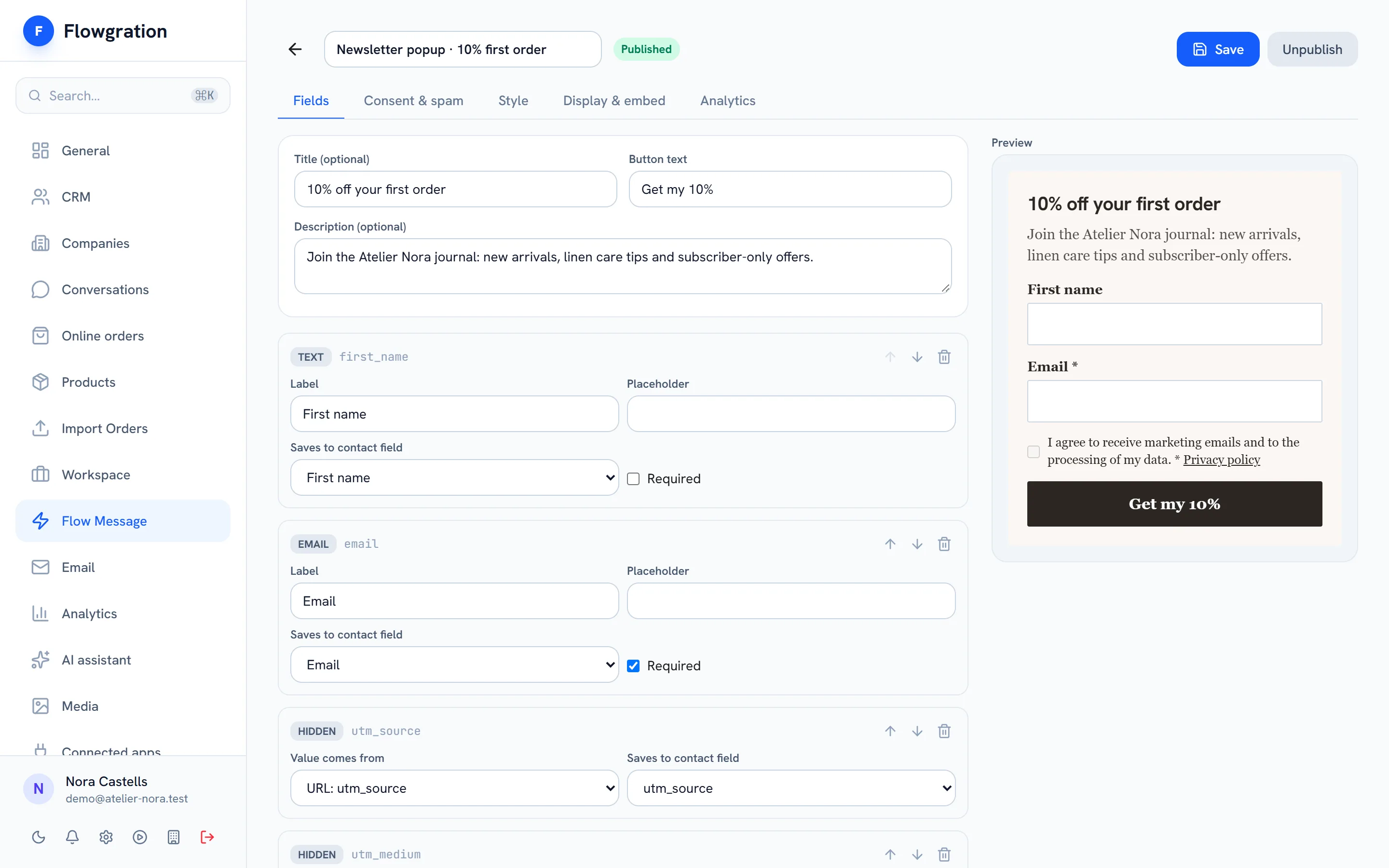
Build the form field by field, give it your style and publish it on your site, as a popup or on its own page. Every submission creates or fills in the contact and its deal, is assigned to a campaign and starts the journey you choose.
No credit card · Embed it with one line of code
Sample data
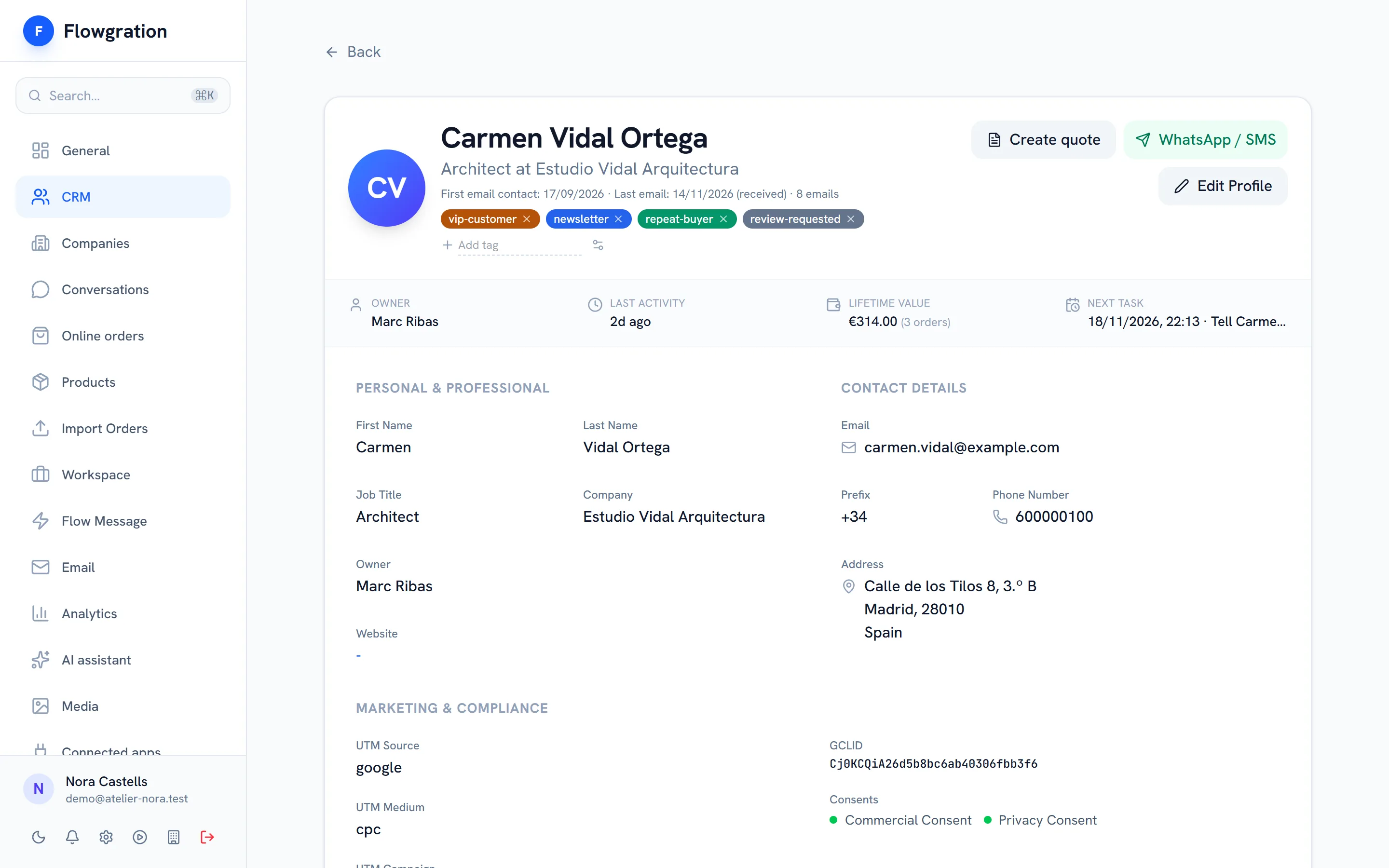
The submission lands in the CRM as a contact and a deal, the journey handles the follow-up and the campaign report tells you where it came from.
How it all connects
Embed the form with one line of code, open it as a popup or share its hosted page on social media, in an email or on your link page.
Sample data
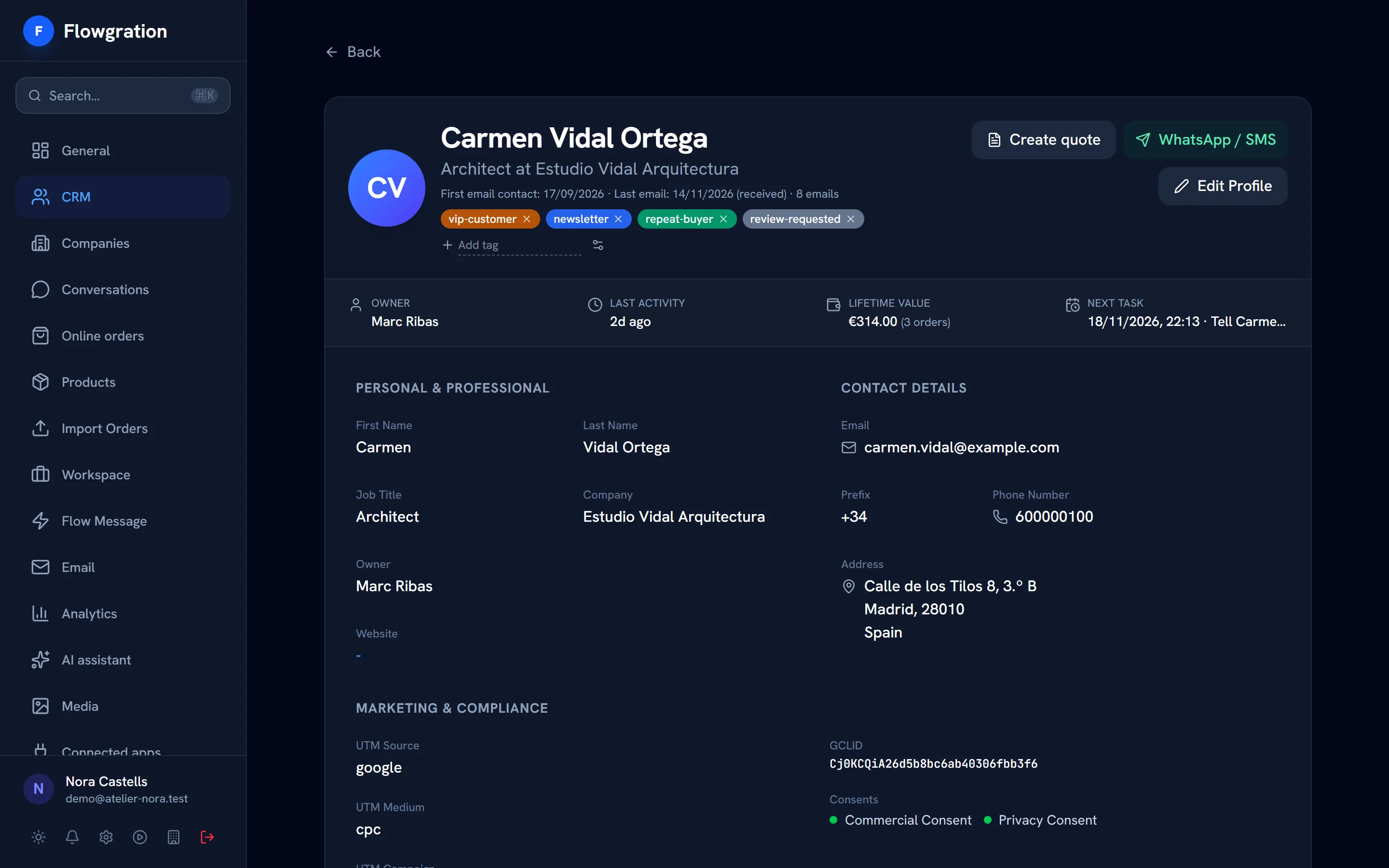
The form creates the contact or fills in the one you already had, without overwriting what you knew, and opens its deal in the pipeline.
Sample data
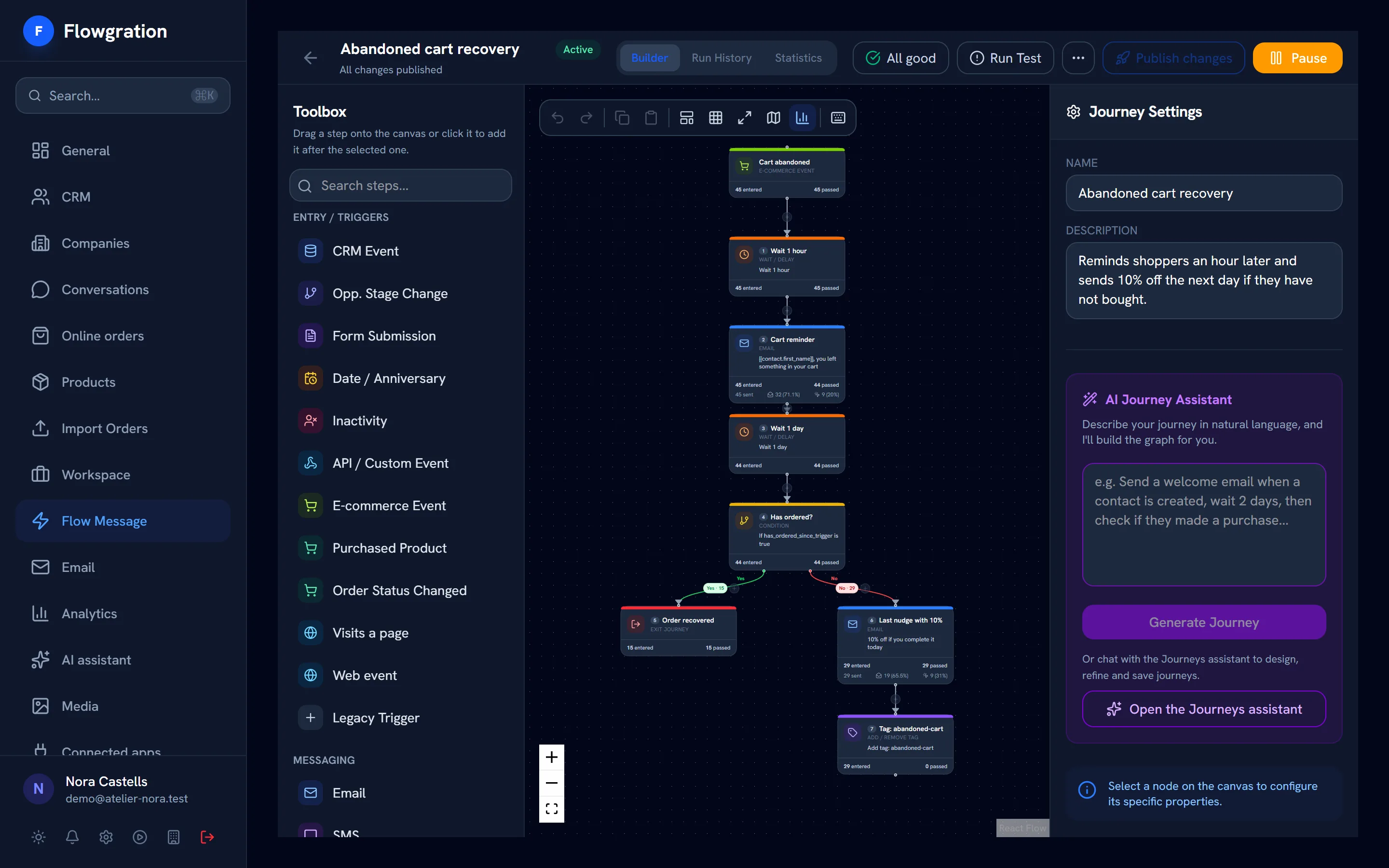
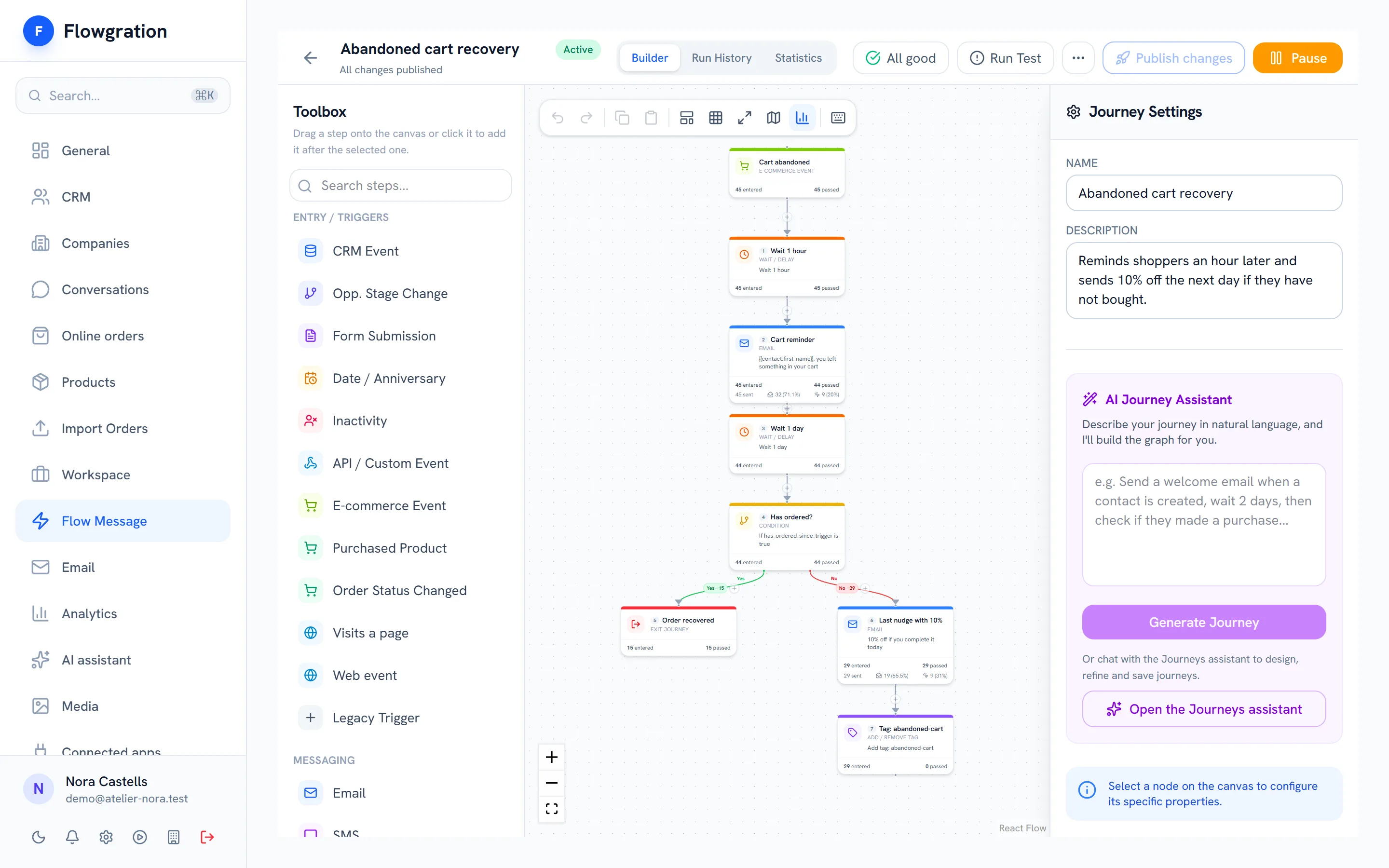
Use the “Form submitted” trigger to welcome the lead, alert your team or follow up on WhatsApp, and assign the form to a campaign to see which contacts and sales it brings.
Sample data
No rigid templates: you decide the order, the width and the style of every field.
Fields at full, half, one-third or two-thirds width, so first and last name or email and postcode share a row.
A phone field with a country prefix picker that saves the full number on the record.
Preset styles you adjust to your colours, font and corners, with an instant preview.
A consent checkbox linked to your privacy policy and email confirmation for subscriptions.
Suspicious submissions are rejected before they reach your CRM.
Views and submissions for every form day by day, so you know which popup works.
Build it in minutes, embed it with one line of code and let the CRM and the journeys do the rest.
Start free